
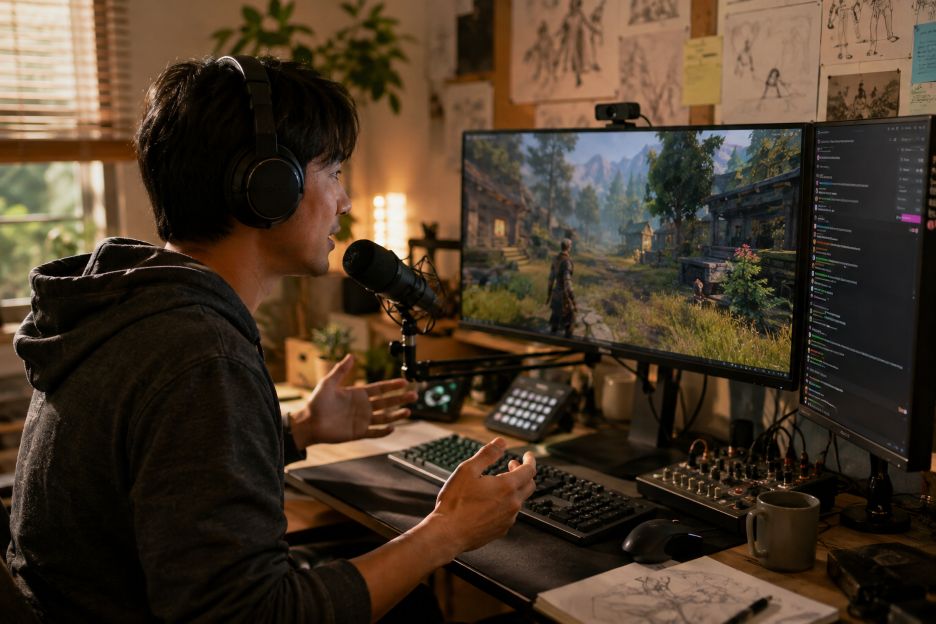
indie game developers

Independent game developers face a basic visibility problem: thousands of games compete for attention while major publishers can rely on established franchises, advertising budgets, media relationships, and large existing audiences. Digital distribution has made publishing more accessible, but being available does not guarantee discovery. For smaller studios, building awareness often has to begin months before anyone can actually buy or download the finished game.

Social platforms have become one way to close that visibility gap. Developers can share prototypes, short gameplay sequences, design decisions, and production updates while a game is still being built. The wider ecosystem around audience growth also includes platforms and services such as www.socialcrow.co, reflecting how much attention is now placed on building visibility across social networks. For indie developers, however, attracting the right people is usually more useful than simply increasing audience numbers.

From Storefront Discovery to Social Discovery

Game discovery once depended heavily on magazines, specialist websites, conventions, advertising, and digital storefront placement. Those channels still matter, but platforms such as TikTok, YouTube, Twitch, and Discord have added another layer. A potential player might first encounter an unfinished game through a 20-second combat clip, a developer diary, a livestream, or a conversation shared by another community member.

TikTok reported that gaming-related content generated more than 3 trillion views on its platform during 2022. Its gaming trend research describes users as participating in gaming culture through discovery, creation, and community interaction. That environment gives smaller developers opportunities to put individual mechanics, characters, environments, or unusual ideas in front of audiences without requiring a traditional advertising campaign.

The challenge is turning that temporary attention into something more durable. A clip receiving thousands of views can disappear from feeds quickly. Developers therefore need content that gives the right players a reason to remember the game, follow its development, or join a community.

5 Ways Indie Developers Build Interest Before Release

1. Show the Game Instead of Simply Announcing It

Short gameplay videos are particularly useful because viewers can understand an idea almost immediately. A developer might demonstrate an unusual movement system, enemy encounter, building mechanic, art style, or unexpected interaction.

This approach targets people who already enjoy that type of experience. Instead of telling a broad audience that a game is coming soon, the footage communicates what playing it may actually feel like. The strongest clips usually have a clear visual idea that can be understood even without extensive explanation.

2. Turn Development Updates Into a Continuing Story

Developer updates can make production itself part of the content. Before-and-after animations, level redesigns, bug fixes, character sketches, sound experiments, and explanations of design choices give audiences something new to follow between major announcements.

YouTube is well suited to longer development diaries, while short-form platforms can condense the same process into smaller updates. This creates continuity. Someone who discovers an early prototype may return weeks later to see how the project has changed.

The valuable message here is progress rather than constant promotion. Showing why a mechanic was changed or how player feedback influenced a feature gives viewers useful context and makes updates more informative.

3. Use Livestreams to Make Gameplay Less Abstract

Twitch and YouTube livestreams allow prospective players to watch games being played for longer periods. Streams can reveal pacing, difficulty, controls, and emergent situations that are difficult to communicate through edited trailers.

Livestreaming also creates room for immediate questions. Developers can discuss design choices, demonstrate new builds, or watch creators test early versions. This gives studios qualitative feedback while allowing viewers to develop a clearer understanding of the project.

4. Give Interested Players Somewhere to Gather

Discovery platforms and community platforms serve different purposes. TikTok or YouTube might introduce someone to a game, while Discord can provide a more persistent space for discussion.

Discord reported that more than 10,000 game communities with over 80 million members existed on its service by the end of 2025. Its developer documentation describes game communities as places where players can provide feedback, discuss updates, participate in events, and maintain connections with games between play sessions.

For an indie team, that feedback can be especially useful before release. Discussions may reveal confusing mechanics, recurring questions, accessibility concerns, or features that generate unexpected enthusiasm.

5. Create Content for the Right Audience, Not Everyone

A large audience is less useful when most viewers have little interest in the type of game being developed. A difficult tactical roguelike, relaxing farming game, narrative horror title, and competitive platformer naturally appeal to different groups. The same need for targeted visibility extends beyond social platforms, with online visibility tools for independent game developers offering another perspective on how smaller studios can assess and strengthen their presence across the web.

Developers can therefore treat social content as audience filtering. Visual style, gameplay clips, humor, developer commentary, and community discussions communicate what the project is and who might enjoy it. Clear descriptions and captions then help viewers understand what they are seeing and where they can learn more.

Why Engagement Matters More Than the Biggest Number

Follower totals, video views, likes, and subscriber counts are easy to measure, which makes them tempting indicators of pre-launch momentum. They should still be interpreted carefully. A person watching one entertaining development clip is different from someone repeatedly asking questions, sharing updates, joining community discussions, or following the game through several development milestones.

Discord emphasizes this distinction by describing game communities as ongoing connections between developers and players rather than simple distribution channels. Its platform data also indicates that players gather around games before, during, and after play, illustrating why community activity can continue beyond an individual promotional post.

Building an Audience That Can Survive Launch Day

Social media has given independent studios more ways to become visible before release, but it has not eliminated the difficulty of earning attention. The practical solution is less about appearing everywhere and more about reaching suitable players with material worth following. Gameplay clips can spark discovery, development updates can maintain curiosity, livestreams can provide depth, and community spaces can turn scattered interest into conversation.

The longer-term measure is therefore not simply how many people accumulate around an account. It is whether players understand the game, care about its progress, interact with its creators and one another, and remain interested when launch day arrives. For indie developers, a smaller community with genuine enthusiasm may ultimately provide a stronger foundation than a much larger audience built around a single viral moment.

Independent developer improving gaming technology strategies through creative digital analysis at workspace today.

Independent game developers have always relied on creativity, often finding unconventional ways to introduce their projects without the massive marketing budgets of larger studios.

With recent advancements in technology, however, they now have more practical ways to reach audiences and understand how players discover their work.

A Moz domain checker reflects how digital solutions are helping developers use data, analysis, and smarter strategies to strengthen their online presence.

The game development industry has changed dramatically over the years.

What was once controlled mainly by major studios has grown into a space where talented creators can build successful games from bedrooms, small offices, and independent studios around the world.

Still, creating a great game is only part of the journey. Developers also need a way for their projects, updates, and communities to be found.

The Digital Challenge Behind Game Discovery

Building a game is rarely a simple process. Developers can spend months or years improving gameplay mechanics, artwork, characters, and storytelling.

After all that effort, one of the hardest challenges is making sure potential players actually discover what they created.

Many developers now treat their online platforms almost like digital storefronts. A website with organized information, consistent updates, and stronger visibility can support recognition while giving fans a reliable place to learn more about upcoming releases.

A small studio owner once compared releasing a game to “opening a shop in a city with millions of streets.” The shop might be worth visiting, but people still need signs pointing them in the right direction.

Advanced Technologies For Developing Gaming Communities

AI tools, analytics platforms, and automated research systems have changed how independent developers approach marketing.

Instead of relying only on guesses, small teams can study patterns, review results, and adjust their decisions based on actual information.

Gaming communities often begin with only a few dedicated players. Those early supporters share opinions, suggest improvements, and recommend games to friends.

Over time, these conversations can grow into loyal communities that help a project gain momentum.

This is especially important for teams working with limited resources. Independent developers usually cannot afford to waste their budgets on strategies that provide little impact.

Using technology to make informed decisions allows them to focus their energy where it matters most.

Where Innovation Meets Imagination

The connection between game development and technology continues to expand. Developers are no longer focused only on programming and design.

Many are also managing communities, planning content strategies, and finding new ways to tell the story behind their creations.

Better access to digital insights encourages innovation and gives smaller studios more opportunities to compete. It does not replace creativity, but it helps creative projects reach the right audience in a crowded entertainment market.

Similar to the ideas found in a gamer’s guide to effective blogger outreach strategies, success often comes from building genuine connections and reaching communities that truly care.

Originality, imagination, and memorable experiences will remain the foundation of independent gaming. Technology simply adds another advantage by helping developers introduce their ideas to players who are ready to discover something new.

With the right digital approach, independent teams can continue shaping the future of gaming.

Modern PC games are built on the assumption that the operating system beneath them is fully licensed, updated, and stable. Game engines, graphics drivers, and online services expect Windows 11 to behave in a predictable way. When the system is not activated, that expectation starts to crack, even if the game still launches.

Many gamers tolerate the activation watermark at first, thinking it is only a visual annoyance. Some even look for quick fixes, often starting with a Reddit post shared in forums or advice threads. What often gets missed is how activation quietly affects deeper gaming features that modern titles rely on every day.

DirectX updates and modern graphics features

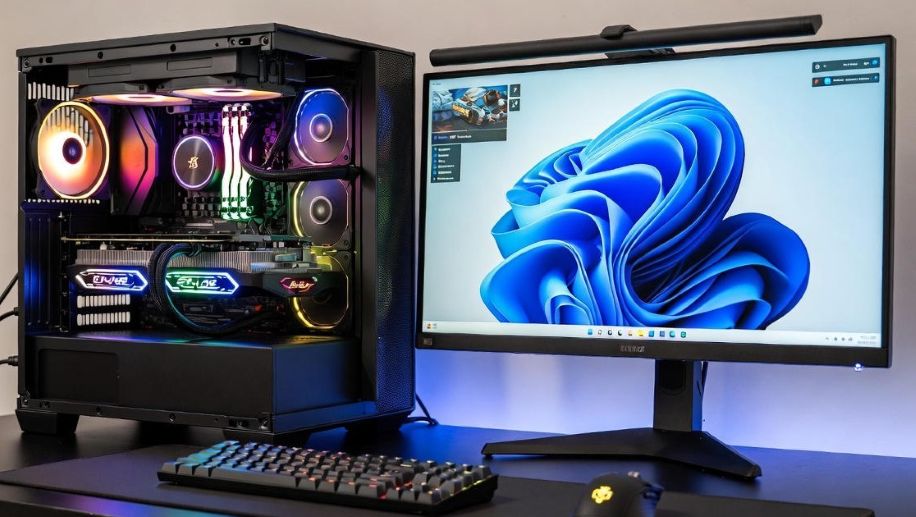
gaming PC setup with Windows 11 interface

DirectX sits at the heart of PC gaming on Windows. Features like DirectX 12 Ultimate, ray tracing, and variable rate shading depend on regular system updates. Activated copies of Windows 11 receive these updates smoothly, keeping the graphics stack aligned with what developers target.

On unactivated systems, update behavior can be inconsistent. Critical components may lag behind, which can lead to missing features or reduced performance in newer games. For players investing in powerful GPUs, this gap becomes more noticeable over time.

Game Mode and performance tuning

Windows 11 Game Mode is designed to prioritize games by reducing background tasks and improving resource allocation. It works best when the operating system is fully recognized as genuine and supported. Activation ensures Game Mode receives improvements and bug fixes that come with system updates.

Without proper activation, Game Mode may still appear enabled, but its effectiveness can be reduced. Serious gamers chasing stable frame rates and smooth gameplay rarely want to leave performance to chance.

Driver compatibility and hardware support

Graphics drivers from NVIDIA, AMD, and Intel are tested against fully activated versions of Windows. The same applies to chipset drivers, audio software, and controller support. When Windows 11 is activated, driver installation and updates tend to work as intended.

Unactivated systems can trigger odd issues, from drivers failing to install cleanly to control panels behaving unpredictably. Some players report spending hours troubleshooting problems that trace back to an unlicensed operating system. Advice from another Reddit post often appears during these searches, but it usually points back to the same conclusion.

System stability during long gaming sessions

Modern games push PCs hard. Long sessions stress memory, storage, and system services. Windows 11 activation helps ensure that background processes, updates, and security components run in a stable and predictable way.

When activation is missing, certain system reminders and restrictions can interrupt workflows. While Windows does not block games outright, small interruptions add up. Crashes, freezes, or odd behavior during a ranked match or raid can ruin the experience.

Online gaming, anti-cheat, and trust

Many competitive games rely on anti-cheat systems that monitor the operating environment. These tools are designed around standard, licensed versions of Windows. An unactivated system can raise flags or create compatibility issues, even if the player has no bad intent.

Activation helps ensure the system environment matches what developers and publishers expect. For online gamers, this reduces the risk of false positives, login issues, or unexpected disconnects.

Why serious gamers avoid unactivated Windows

PC gaming is no longer just about launching a game. It involves updates, cloud saves, mods, overlays, and live services. All of these layers interact closely with the operating system. Activated Windows 11 provides a stable foundation for that stack.

Many gamers eventually realize that saving time and avoiding stress matters more than ignoring a watermark. Smooth updates, reliable drivers, and consistent performance are part of the full gaming experience.

READ ALSO: Maximize Your Gaming Experience with a Genuine Windows 11 Pro Key through Reddit

The bigger picture for modern PC games

Game developers build for the future. They assume players are running supported systems with up-to-date features. Windows 11 activation aligns a PC with that future, ensuring compatibility with upcoming titles and new technologies.

For anyone serious about PC gaming, proper activation is less about appearance and more about performance and trust. The watermark fades into the background, but system stability stays front and center. In the end, even advice from a Reddit post often leads gamers to the same realization: a fully activated Windows 11 setup helps games run the way they were meant to.

𐌢